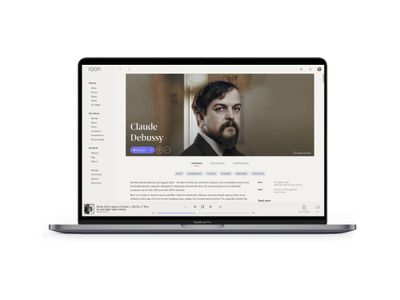
Installing the Roon app on your Mac is the easiest way to run Roon Server on your computer. Roon for Mac bundles everything you need in a single install package.
Installing Roon for Windows makes it easy to have Roon Server on your PC or a dedicated media PC in your entertainment system. Roon for Windows includes everything you need in a single install package.
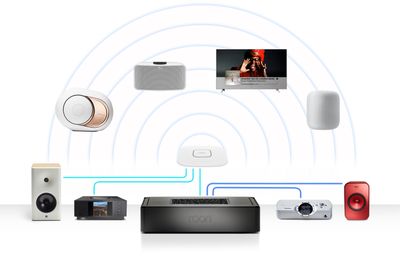
Designed by the team that built Roon, Nucleus is a dedicated Roon Server based on an Intel architecture and our own Linux distribution: Roon OS. If you're looking for the ultimate Roon experience - Nucleus is for you.

Roon Optimized Core Kit is a free do-it-yourself build of Roon OS, designed to let you build your own x64-based machine as a dedicated Roon Server.

The headless Roon Server is available for x64 platforms.
Roon Server is available on NAS systems from Unraid, TrueNAS, Synology, QNAP, ASUSTOR, and others.
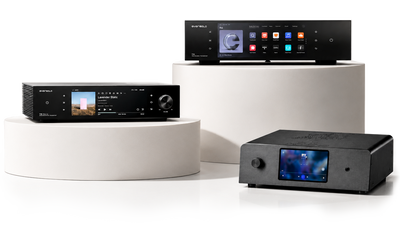
*Exclusively through the Roon US Store. *TERMS AND CONDITIONS.